Convert FBX to OBJ Online

Convert FBX to OBJ with browser-first processing. If local conversion fails or the export is unavailable in the browser, conversion automatically switches to the server with a private upload; sign-in is required.

Popular 3D Model Converters

How to Convert FBX to OBJ Online

Follow these 3 simple steps to convert your .fbx file to .obj format without installing any 3D software.

1

Upload Your FBX File

Model inputs and private uploads are limited to 200 MiB, including companion files. Browser performance depends on model complexity and device memory; conversion failures automatically switch to private server conversion, which requires sign-in.

2

Fast Browser Conversion

Supported formats are converted in your browser first, including large models. Conversion automatically switches to the server with a private upload if local conversion fails, or for FBX and USDZ with skins or animation. Server conversion requires sign-in.

3

Download the OBJ File

Open the export options, choose OBJ, and click Export. When the result is ready, click Download to save it.

Preserves UVs and Materials

Our FBX to OBJ converter doesn't just export geometry. It carefully extracts the mesh data, vertex normals, and UV texture coordinates. If your FBX contains materials, the converter will generate an accompanying .mtl file alongside your new .obj file for maximum visual fidelity.

Multiple format export dashboard delivering GLB OBJ STL and FBX 3D files

Browser first, server when needed

Supported formats are converted in your browser first, including large models. Conversion automatically switches to the server with a private upload if local conversion fails, or for FBX and USDZ with skins or animation. Server conversion requires sign-in.

Browser first, server when needed

Automatic private server fallback

Local previews and browser conversions keep file processing on your device. If local conversion fails or requires the server, the model is automatically uploaded to private storage; temporary uploads and results are cleaned up after 24 hours.

Automatic private server fallback

Perfect for 3D Printing & Game Dev

While FBX is excellent for animations and rigging in game engines like Unity or Unreal, OBJ is the gold standard for static meshes and 3D printing. Use this tool to strip away complex animation data and convert an FBX file to a clean OBJ mesh ready for your ultimate workflow.

Perfect for 3D Printing & Game Dev

Common Questions About FBX to OBJ Conversion

Everything you need to know about converting .fbx to .obj file format.

Explore More AI 3D Tools

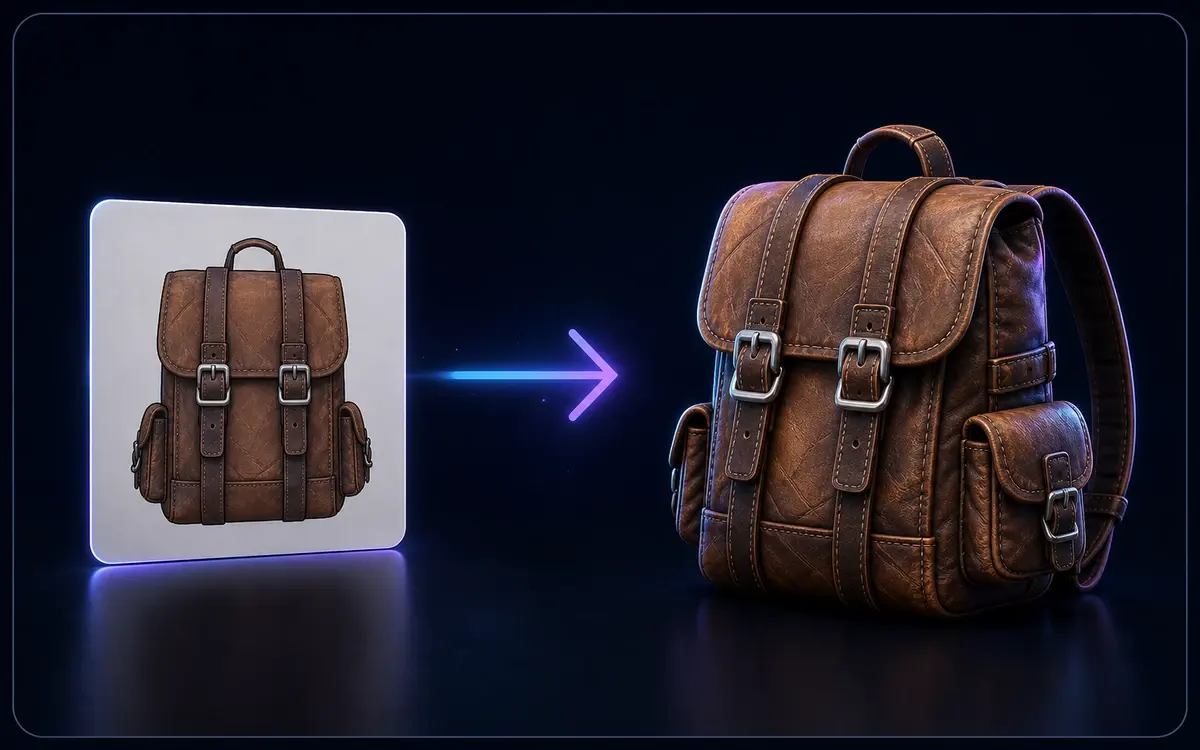
Flat image converting into a textured 3D backpack model

Image to 3D

Open 3D models for a local browser preview. Local file previews stay in your browser without sign-in. Supported formats are converted in your browser first, including large models. Conversion automatically switches to the server with a private upload if local conversion fails, or for FBX and USDZ with skins or animation. Server conversion requires sign-in.

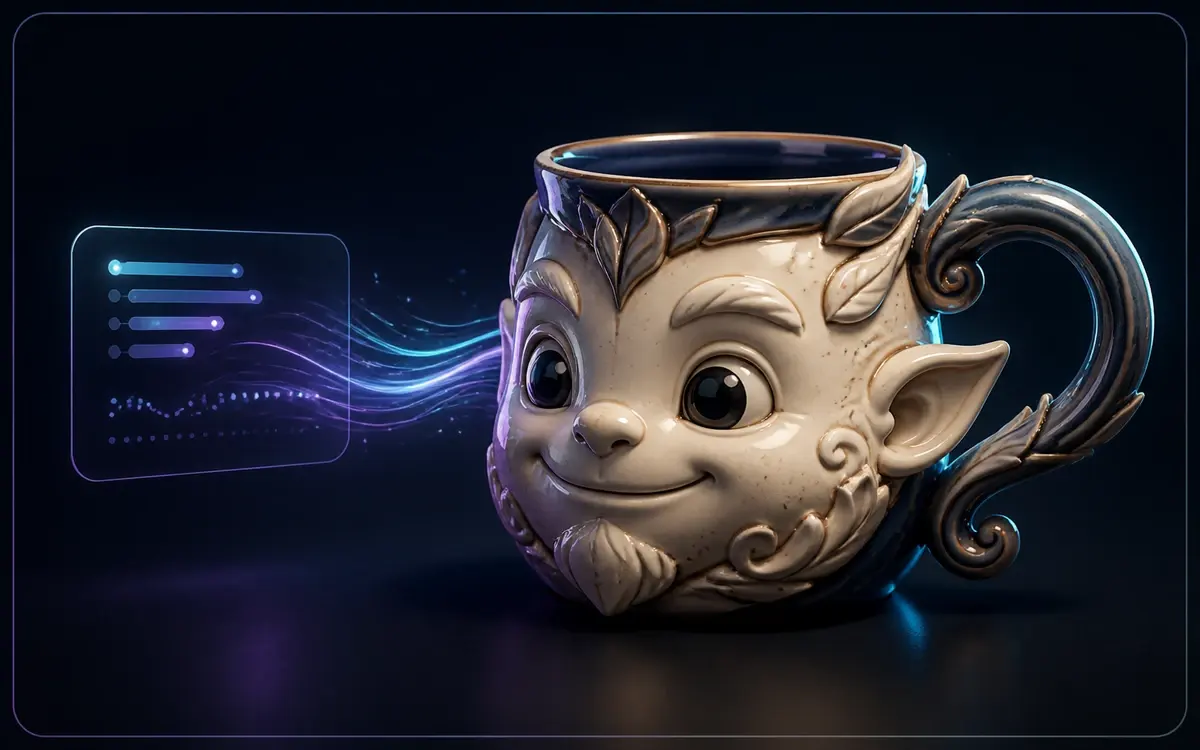
Text prompt generating a stylized 3D mug model

Text to 3D

Describe it, generate it — create 3D models straight from text prompts.

Ready to Convert FBX to OBJ?

Convert FBX to OBJ with browser-first processing. Conversion has no additional fee. Local file conversion does not require sign-in; server conversion does. Generation usage and existing download entitlements for generated assets still apply.

Trusted by 3D artists, game developers, and 3D printing enthusiasts.

Private upload when needed
Up to 200 MiB
Browser first
🎨 Material Support