1
Upload Your 3D File
Drag and drop your 3D file into the viewer or click to browse. We support OBJ, FBX, STL, GLB, GLTF, STEP, STP, PLY, and 3MF — up to 200 MiB.
Open 3D models for a local browser preview. If local conversion fails or the export is unavailable in the browser, conversion automatically switches to the server with a private upload; sign-in is required.
Drop file to preview
or click to choose a file
Max file size: 200 MiB
Only data supported by the target format can be exported. Check dimensions, materials and animation in the result before using it in another application.

Local previews and browser conversions keep file processing on your device. If local conversion fails or requires the server, the model is automatically uploaded to private storage; temporary uploads and results are cleaned up after 24 hours.

Local file previews stay in your browser without sign-in. Supported formats are converted in your browser first, including large models. Conversion automatically switches to the server with a private upload if local conversion fails, or for FBX and USDZ with skins or animation. Server conversion requires sign-in.
Drag and drop your 3D file into the viewer or click to browse. We support OBJ, FBX, STL, GLB, GLTF, STEP, STP, PLY, and 3MF — up to 200 MiB.
Local file previews stay in your browser without sign-in. Supported formats are converted in your browser first, including large models. Conversion automatically switches to the server with a private upload if local conversion fails, or for FBX and USDZ with skins or animation. Server conversion requires sign-in.
Check geometry, textures, and scale before importing to your pipeline. Switch formats or upload another model with a single click.
A fast, private, and truly free 3D file viewer that handles formats other tools can't — including STEP and STP CAD files.
Upload large, production-grade models up to 200 MiB. No file-size limits that block your workflow — handle game assets, CAD exports, and photogrammetry scans without compression.
View OBJ, FBX, STL, GLB, GLTF, PLY, 3MF, and STEP/STP files. Unlike most online viewers, we support engineering CAD formats natively — no conversion needed.
Open your 3D files directly in the browser. Zero software installation, zero account creation, zero barriers. Just drag, drop, and view.
Local previews and browser conversions keep file processing on your device. If local conversion fails or requires the server, the model is automatically uploaded to private storage; temporary uploads and results are cleaned up after 24 hours.
From quick file checks to full design reviews — our viewer helps professionals and hobbyists inspect 3D models without installing software.
Preview STL, OBJ, and 3MF files before sending to your printer. Check model orientation, scale, and geometry to avoid failed prints and wasted material.
Quickly review GLB, FBX, and OBJ game assets without opening a full game engine. Perfect for asset QA, team reviews, and freelancer deliverable checks.
Open STEP and STP CAD files directly in the browser — no AutoCAD or SolidWorks required. Review mechanical parts, assemblies, and prototypes on the go.
No expensive 3D software licenses needed. Students can view and study 3D models for coursework, while educators can share interactive 3D content effortlessly.
Preview product 3D models before embedding them on your storefront. Check textures, lighting, and geometry quality for a polished customer experience.
Validate GLTF and GLB assets for AR/VR experiences. Quick-check models for correct scale, orientation, and material setup before deployment.
Game developers, engineers, and designers rely on our free viewer for quick 3D file checks.
“Finally a viewer that opens STEP files in the browser. I no longer need to boot SolidWorks just to check a client's CAD model.”
Alex Torres
Mechanical Engineer
“We use it to QA freelancer 3D assets before importing them into Unity. Drag-and-drop GLB viewing saves us tons of time.”
Jordan Yip
Lead Game Developer
“The 200MB limit is a game-changer. I can preview photogrammetry scans that choke other online viewers.”
Nadia Müller
Photogrammetry Artist
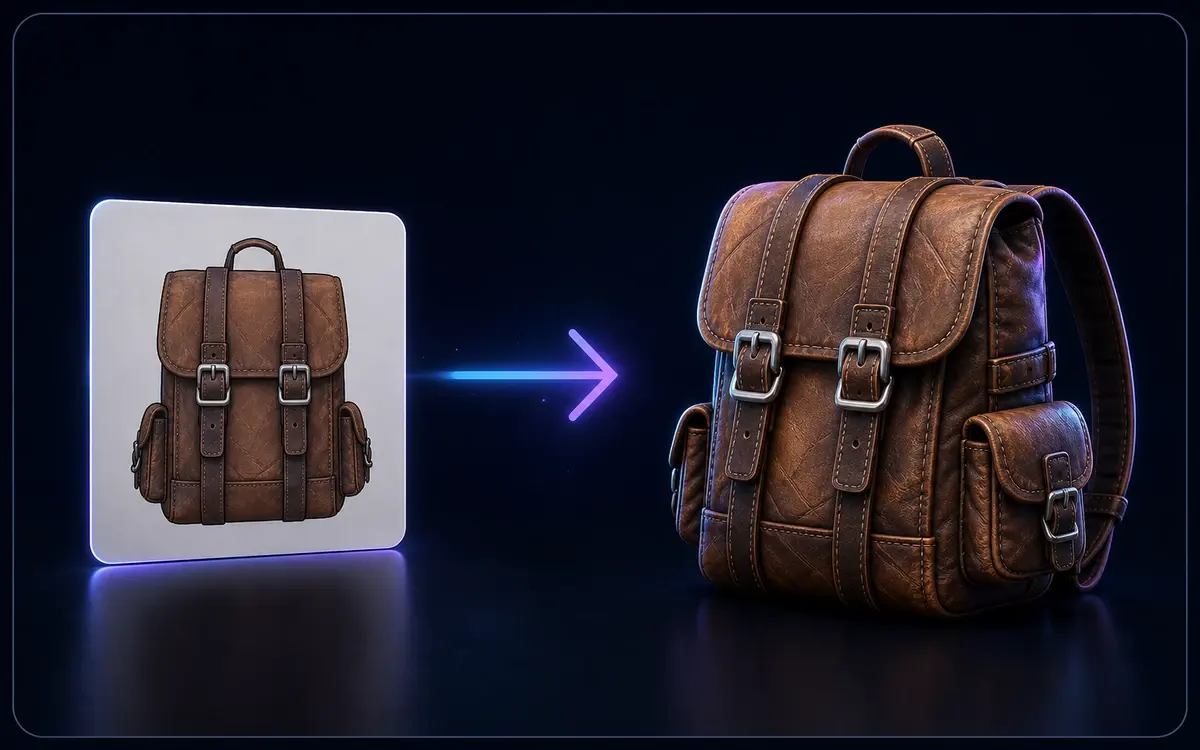
Open 3D models for a local browser preview. Local file previews stay in your browser without sign-in. Supported formats are converted in your browser first, including large models. Conversion automatically switches to the server with a private upload if local conversion fails, or for FBX and USDZ with skins or animation. Server conversion requires sign-in.

Describe it, generate it — create 3D models straight from text prompts.
Open 3D models for a local browser preview. Conversion has no additional fee. Local file conversion does not require sign-in; server conversion does. Generation usage and existing download entitlements for generated assets still apply.
Trusted by 3D artists, game developers, engineers, and educators worldwide.