Free Online 3MF File Viewer

Open 3MF models for a local browser preview. If local conversion fails or the export is unavailable in the browser, conversion automatically switches to the server with a private upload; sign-in is required.

Browser first, server when needed

AI 3D Model's online 3MF file viewer renders 3D Manufacturing Format (.3mf) files directly in the browser using WebGL. 3MF is the modern successor to STL — developed by the 3MF Consortium (Microsoft, Autodesk, HP, and others), it packages complete print-ready 3D models into a single compressed file. Unlike STL, which only stores triangle geometry, 3MF files can include full color data, material assignments, multiple parts per file, and precise unit information — making them the next-generation standard for professional 3D printing. Simply drag and drop your .3mf file to inspect geometry, colors, material properties, and multi-part assembly structure. No format conversion, no plugins — just a fast, free online 3MF viewer that works on Chrome, Firefox, Safari, and Edge.

3MF file viewer online showing a colorful 3D model with materials for 3D printing

View 3MF Files Online on Any Device — Desktop, Tablet & Mobile

Local previews and browser conversions keep file processing on your device. If local conversion fails or requires the server, the model is automatically uploaded to private storage; temporary uploads and results are cleaned up after 24 hours.

Online 3MF viewer on desktop and mobile devices for 3D printing inspection

How to View 3MF Files Online?

Local file previews stay in your browser without sign-in. Supported formats are converted in your browser first, including large models. Conversion automatically switches to the server with a private upload if local conversion fails, or for FBX and USDZ with skins or animation. Server conversion requires sign-in.

1

Upload Your 3MF File

Drag and drop your .3mf file into the 3MF viewer, or click to browse your files. AI 3D Model's online 3MF file viewer supports files up to 200 MiB — large enough for complex multi-material print projects, full-color prototypes, and detailed multi-part assemblies exported from any slicer or CAD software.

2

View 3MF Model in Real-Time 3D

Local file previews stay in your browser without sign-in. Supported formats are converted in your browser first, including large models. Conversion automatically switches to the server with a private upload if local conversion fails, or for FBX and USDZ with skins or animation. Server conversion requires sign-in.

3

Inspect, Validate & Iterate

Check your 3MF model's geometry, color mapping, and part assembly before sending it to a slicer like PrusaSlicer, Cura, or Bambu Studio. Verify the model looks correct, then upload another 3MF file or switch to a different 3D format like STL with a single click.

Why Use AI 3D Model's Free Online 3MF Viewer?

Open 3MF models for a local browser preview. Local file previews stay in your browser without sign-in. Supported formats are converted in your browser first, including large models. Conversion automatically switches to the server with a private upload if local conversion fails, or for FBX and USDZ with skins or animation. Server conversion requires sign-in.

200 MiB 3MF File Support

Upload and view large 3MF files up to 200 MiB — significantly more than most free 3MF viewers. Handle complex multi-material print projects, full-color 3D models, multi-part assemblies, and high-resolution manufacturing files without compression or downsizing.

Full Color & Material Preview

Unlike basic 3MF viewers that strip color data, AI 3D Model's online 3MF viewer preserves and renders the full color and material information embedded in your .3mf file. See exactly how your multi-color or multi-material model will look — essential for validating print-ready 3MF projects.

Browser first, server when needed

Local file previews stay in your browser without sign-in. Supported formats are converted in your browser first, including large models. Conversion automatically switches to the server with a private upload if local conversion fails, or for FBX and USDZ with skins or animation. Server conversion requires sign-in.

Automatic private server fallback

Local previews and browser conversions keep file processing on your device. If local conversion fails or requires the server, the model is automatically uploaded to private storage; temporary uploads and results are cleaned up after 24 hours.

Use Cases
Who needs a 3MF viewer?

Who Uses AI 3D Model's Free 3MF File Viewer Online?

From multi-color print validation to full assembly reviews — the AI 3D Model 3MF viewer helps professionals and hobbyists inspect 3MF models without installing any software.

  • Multi-Color 3D Printing Enthusiasts

    3MF is the go-to format for multi-color and multi-material 3D printing workflows. Use AI 3D Model's 3MF viewer to preview color assignments and part structure before loading the file into your slicer. Verify that each color zone maps correctly — especially important for Bambu Lab, Prusa MMU, and Mosaic Palette setups.

  • CAD Engineers & Product Designers

    Exported a 3MF from SolidWorks, Fusion 360, or Rhino? Use this free online 3MF viewer to quickly validate the export — check that the geometry is intact, materials are assigned correctly, and the model is ready for downstream manufacturing or multi-material printing.

  • Slicer Users & Print Farm Operators

    3MF has become the default project file format for modern slicers like PrusaSlicer, Cura, and Bambu Studio. Use AI 3D Model's 3MF file viewer to quickly inspect .3mf project files — verify the model, check part layout, and confirm geometry before committing to a print run.

  • AI 3D Model Creators

    Generated a 3D model with AI (text-to-3D, image-to-3D) and converted it to 3MF for multi-color 3D printing? Use this 3MF viewer to inspect the generated model — check geometry quality, color mapping, and structural integrity before printing.

  • Students & Educators

    Learning 3D modeling, additive manufacturing, or advanced 3D printing workflows? Use AI 3D Model's free 3MF viewer to preview and study .3mf files from tutorials, open-source model libraries, or classroom projects — no software license required.

  • 3D Printing Service Providers

    Receiving 3MF files from clients for multi-color or multi-material print orders? Use this online 3MF file viewer to quickly validate incoming models — check color accuracy, part assembly, material assignments, and geometry correctness before quoting or printing.

User Reviews

Trusted by 3D Printing Professionals for 3MF Viewing

3D printing enthusiasts, slicer users, and product designers rely on AI 3D Model's free 3MF file viewer for quick model inspections.

3 verified reviews
  • “I switched from STL to 3MF for all my multi-color prints. This 3MF viewer lets me check color assignments and part structure before loading into PrusaSlicer — way faster than opening the full slicer just to preview a file.”

    Ryan Mitchell

    Multi-Color 3D Printing Enthusiast

    Verified user
  • “As a mechanical engineer, I export 3MF files from Fusion 360 for manufacturing reviews. This free online 3MF viewer lets me validate exports instantly in the browser — no need to install a separate viewer on every machine.”

    Elena Kowalski

    Mechanical Engineer

    Verified user
  • “The 200MB file limit is a game-changer. I work with complex multi-part assemblies exported as 3MF, and other free viewers either reject them or crash. This one handles large 3MF files smoothly every time.”

    James Tanaka

    Print Farm Operator

    Verified user

3MF Viewer — Frequently Asked Questions

Everything you need to know about how to view 3MF files online for free.

Explore More AI 3D Tools

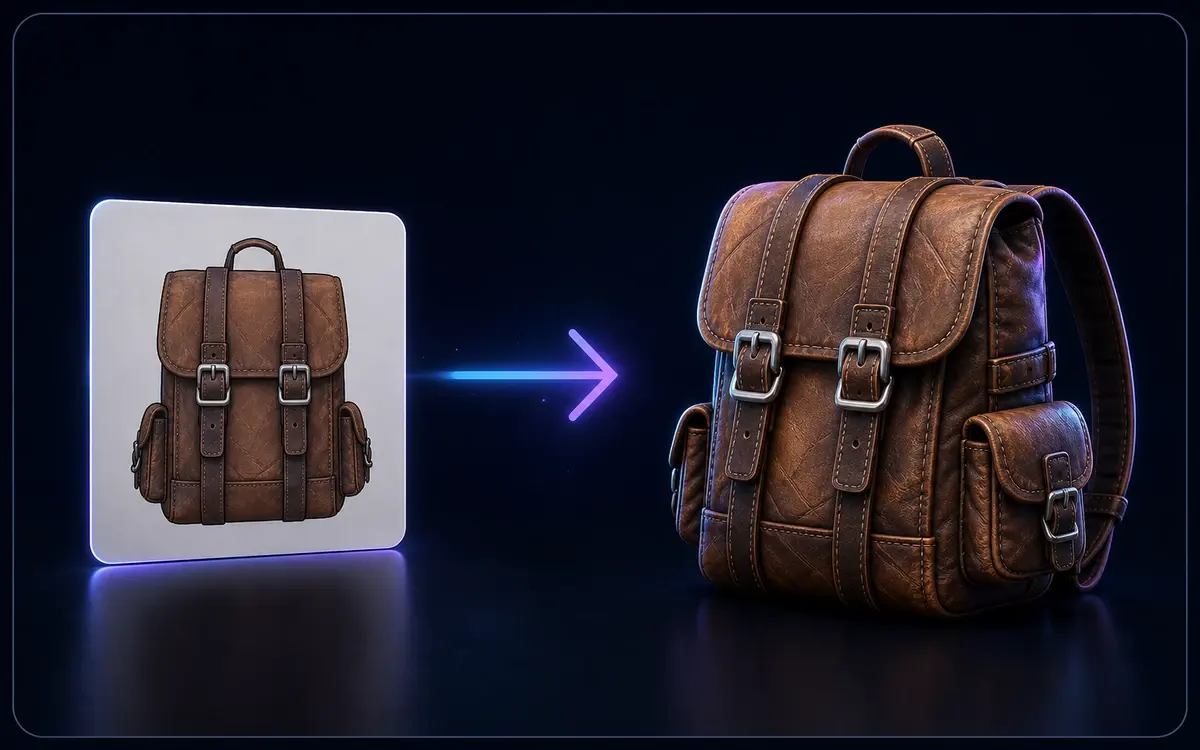
Flat image converting into a textured 3D backpack model

Image to 3D

Open 3D models for a local browser preview. Local file previews stay in your browser without sign-in. Supported formats are converted in your browser first, including large models. Conversion automatically switches to the server with a private upload if local conversion fails, or for FBX and USDZ with skins or animation. Server conversion requires sign-in.

Text prompt generating a stylized 3D mug model

Text to 3D

Describe it, generate it — create 3D models straight from text prompts.

Ready to View Your 3MF Files?

Open 3MF models for a local browser preview. Conversion has no additional fee. Local file conversion does not require sign-in; server conversion does. Generation usage and existing download entitlements for generated assets still apply.

Loved by multi-color 3D printing enthusiasts, slicer users, and product designers worldwide.

Private upload when needed
Up to 200 MiB
Browser first
🎨 Color & Materials