Free Online GLTF Viewer

Open GLTF models for a local browser preview. If local conversion fails or the export is unavailable in the browser, conversion automatically switches to the server with a private upload; sign-in is required.

Browser first, server when needed

The AI 3D Model GLTF viewer renders GL Transmission Format (.gltf) files directly in the browser using WebGL. Developed by the Khronos Group and often called the "JPEG of 3D," glTF is a JSON-based, open-standard format that describes 3D scenes with full support for PBR materials, texture maps, skeletal animations, and complex scene hierarchies. Unlike GLB which bundles everything into a single binary, glTF uses a human-readable JSON structure that references external binary buffers (.bin) and texture images — making it the developer-friendly choice for web 3D workflows. Simply drag and drop your .gltf file to see your complete 3D model with accurate materials, lighting response, and animation playback. No format conversion, no plugins — just a fast, free online GLTF viewer that works on Chrome, Firefox, Safari, and Edge.

GLTF file viewer online showing a 3D model with textures and materials

View GLTF Files Online on Any Device — Desktop, Tablet & Mobile

Local previews and browser conversions keep file processing on your device. If local conversion fails or requires the server, the model is automatically uploaded to private storage; temporary uploads and results are cleaned up after 24 hours.

Online GLTF viewer on desktop and mobile devices

How to View GLTF Files Online?

Local file previews stay in your browser without sign-in. Supported formats are converted in your browser first, including large models. Conversion automatically switches to the server with a private upload if local conversion fails, or for FBX and USDZ with skins or animation. Server conversion requires sign-in.

1

Upload Your GLTF File

Drag and drop your .gltf file into the GLTF viewer, or click to browse your files. AI 3D Model's online GLTF file viewer supports files up to 200 MiB — large enough for detailed game assets, complex Three.js scenes, and production-grade web 3D content.

2

View GLTF Model in Real-Time 3D

Local file previews stay in your browser without sign-in. Supported formats are converted in your browser first, including large models. Conversion automatically switches to the server with a private upload if local conversion fails, or for FBX and USDZ with skins or animation. Server conversion requires sign-in.

3

Inspect, Iterate & Export

Check your GLTF model's geometry, JSON structure, materials, animations, and scale before deploying to Three.js, Babylon.js, WebXR, or any web 3D framework. Upload another glTF file or switch to a different 3D format with a single click.

Why Use AI 3D Model's Free Online GLTF Viewer?

Open GLTF models for a local browser preview. Local file previews stay in your browser without sign-in. Supported formats are converted in your browser first, including large models. Conversion automatically switches to the server with a private upload if local conversion fails, or for FBX and USDZ with skins or animation. Server conversion requires sign-in.

200 MiB GLTF File Support

Upload and view large glTF files up to 200 MiB — significantly more than most free GLTF viewers. Handle complex Three.js scenes, high-fidelity web 3D assets, and AI-generated 3D content without compression or downsizing.

Full PBR Material & Animation Rendering

Unlike basic GLTF viewers that only show geometry wireframes, AI 3D Model's GLTF viewer renders complete PBR materials, textures, metallic/roughness maps, and embedded animations. See your glTF model exactly as it will appear in production.

Browser first, server when needed

Local file previews stay in your browser without sign-in. Supported formats are converted in your browser first, including large models. Conversion automatically switches to the server with a private upload if local conversion fails, or for FBX and USDZ with skins or animation. Server conversion requires sign-in.

Automatic private server fallback

Local previews and browser conversions keep file processing on your device. If local conversion fails or requires the server, the model is automatically uploaded to private storage; temporary uploads and results are cleaned up after 24 hours.

Use Cases
Who needs a GLTF viewer?

Who Uses AI 3D Model's Free GLTF File Viewer Online?

From quick asset validation to full production reviews — the AI 3D Model GLTF viewer helps professionals and creators inspect glTF models without installing any software.

  • Web 3D Developers

    Building interactive 3D experiences with Three.js, Babylon.js, or <model-viewer>? glTF is the standard web 3D format. Use AI 3D Model's GLTF viewer to quickly preview models before integrating into your code — check file structure, material rendering, and animation behavior without launching a full development environment.

  • AR/VR Developers

    glTF is the foundation for WebXR and AR content delivery. Use AI 3D Model's GLTF file viewer to validate asset quality, verify PBR materials, check scale and orientation, and preview animations before deploying to ARCore, ARKit, WebXR, or Meta Quest. No need to launch a full XR development environment for a quick QA pass.

  • Game Developers

    Preview glTF game assets exported from Blender, Maya, or 3D asset generators before importing into Unity, Unreal Engine, or Godot. Check mesh quality, texture fidelity, and animation playback with the AI 3D Model GLTF viewer — faster than launching a game engine for each asset review.

  • AI 3D Model Creators

    Generated a 3D model with AI (text-to-3D, image-to-3D)? Many AI generators export glTF files. Use this GLTF file viewer to inspect the generated output — check geometry quality, texture accuracy, and mesh structure — before downloading or further processing.

  • E-Commerce & Product Teams

    glTF is the go-to format for 3D product visualization on the web. Use the GLTF viewer to preview product 3D models before embedding them on Shopify, Amazon, or your custom storefront — ensure textures, lighting, and geometry quality deliver a polished shopping experience.

  • 3D Asset Marketplace Sellers

    Preview your glTF models before uploading to Sketchfab, TurboSquid, CGTrader, or the Unity Asset Store. Verify that textures, PBR materials, and animations render correctly — ensure your listing looks professional from every angle.

User Reviews

Trusted by 3D Professionals for GLTF Viewing

Web developers, game studios, and AR/VR creators rely on AI 3D Model's free GLTF viewer for quick 3D model inspections.

3 verified reviews
  • “As a Three.js developer, I constantly need to preview glTF assets before integrating them into my scenes. This GLTF viewer loads instantly in the browser and shows PBR materials exactly as they'll render in production. Best online GLTF viewer I've found.”

    Alex Torres

    Web 3D Developer

    Verified user
  • “We use this GLTF file viewer to QA game assets before importing into Unreal Engine. The drag-and-drop workflow saves us hours compared to booting up Blender or a full editor just to preview a .gltf file.”

    Jordan Yip

    Lead Game Developer

    Verified user
  • “The 200MB limit is a game-changer. I can preview AI-generated 3D models and complex web 3D scenes in glTF format that other free GLTF viewers simply can't handle. Incredibly fast and private too.”

    Nadia Müller

    3D Content Creator

    Verified user

GLTF Viewer — Frequently Asked Questions

Everything you need to know about how to view GLTF files online for free.

Explore More AI 3D Tools

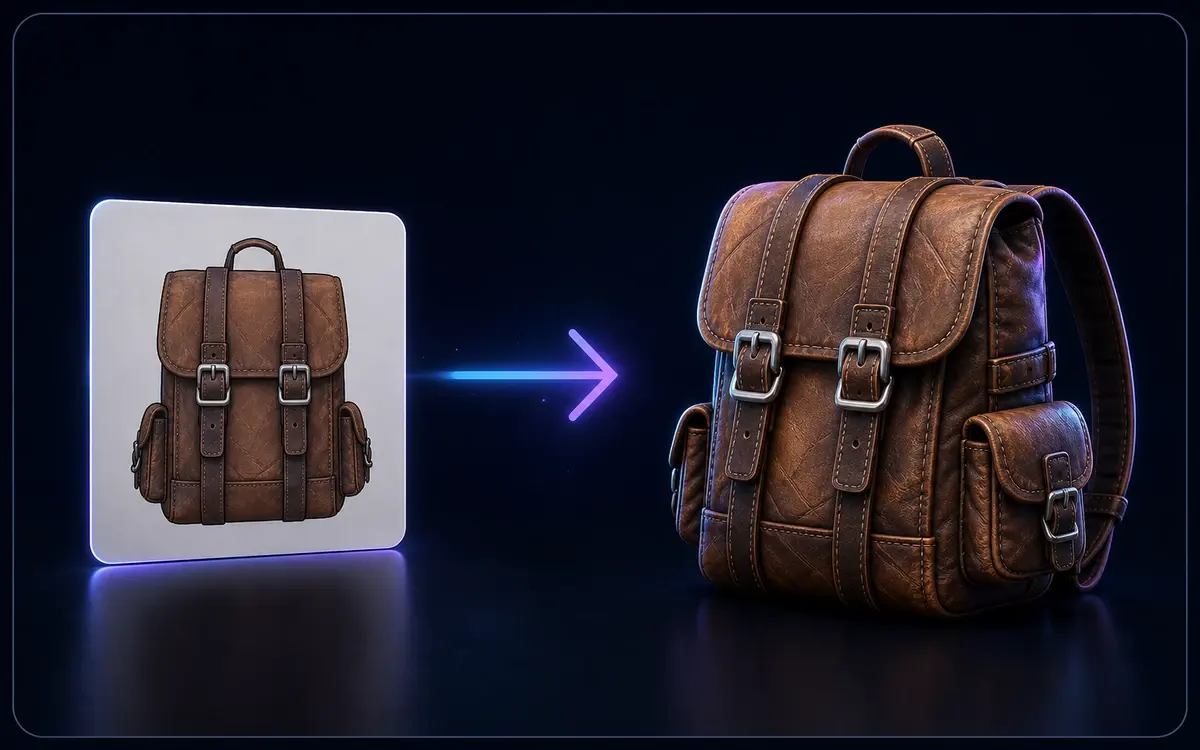
Flat image converting into a textured 3D backpack model

Image to 3D

Open 3D models for a local browser preview. Local file previews stay in your browser without sign-in. Supported formats are converted in your browser first, including large models. Conversion automatically switches to the server with a private upload if local conversion fails, or for FBX and USDZ with skins or animation. Server conversion requires sign-in.

Text prompt generating a stylized 3D mug model

Text to 3D

Describe it, generate it — create 3D models straight from text prompts.

Ready to View Your GLTF Files?

Open GLTF models for a local browser preview. Conversion has no additional fee. Local file conversion does not require sign-in; server conversion does. Generation usage and existing download entitlements for generated assets still apply.

Loved by web 3D developers, game studios, and AR/VR creators worldwide.

Private upload when needed
Up to 200 MiB
Browser first
📐 JSON-Based